
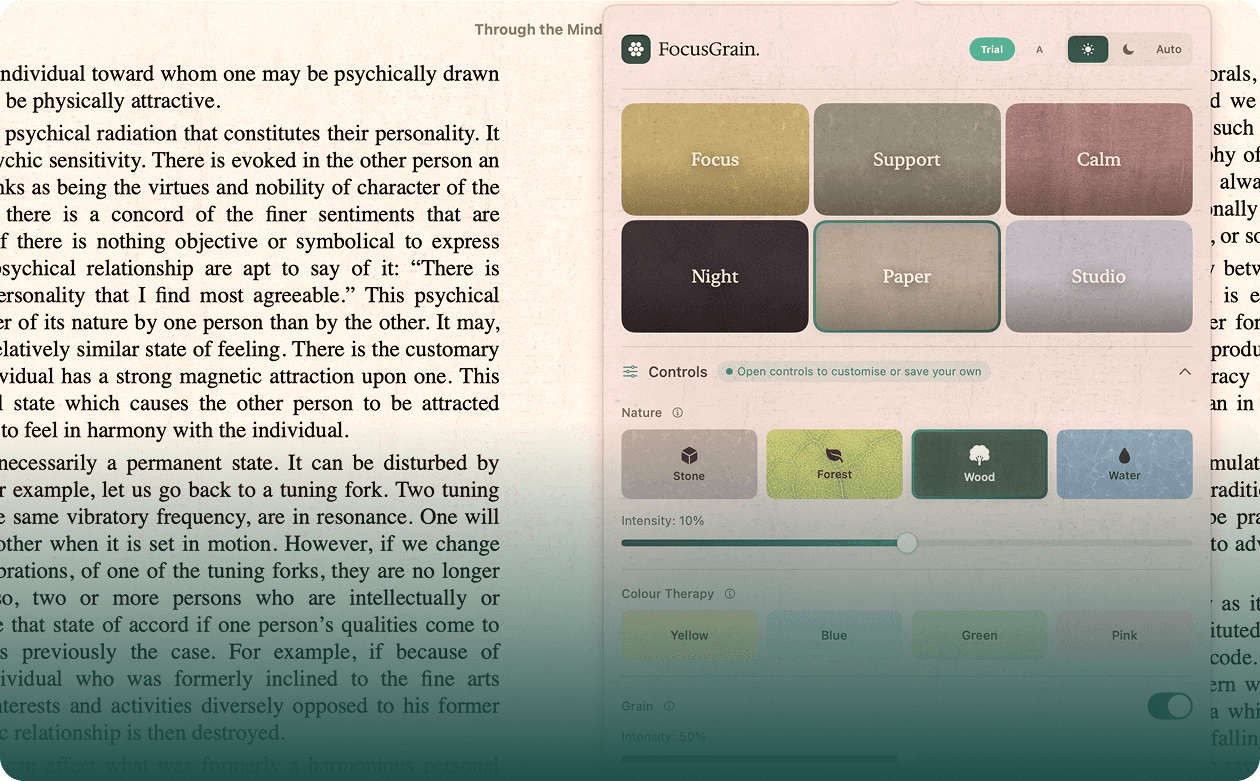

Download FocusGrain
Step 1. Enter your email
Step 2. Choose your platform
v1.2
v1.2
81.9MB
22.5MB


macOS
v1.0.1
8.2MB
Download FocusGrain.dmg
Open the file
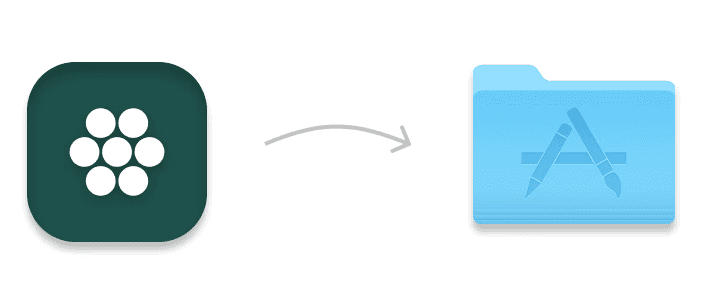
You can add FocusGrain.app to your Applications folder if you wish.
FocusGrain will appear as an icon in your menu bar (top right of your screen)
Enjoy it for 14 days, and please let us know how you got on!
Windows
v1.0.1
81.9MB
Download FocusGrain for Windows
Run the downloaded installer
If Windows SmartScreen shows "Windows protected your PC" — click "More info" then "Run anyway".
Follow the installation steps
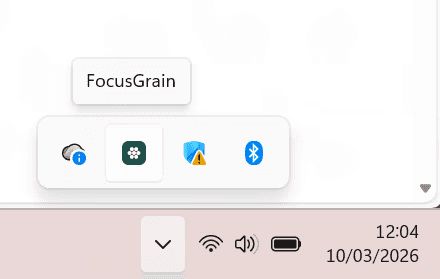
FocusGrain will appear as an icon in your system tray (as shown left).
Click the icon to open the controls
Click "Activate" and enter your license key
Troubleshooting macOS
If you don't see the menu bar icon, check if it's hidden behind the notch (try expanding your menu bar with Bartender or dragging other icons).
FocusGrain requires macOS 13 (Ventura) or later
If the overlay doesn't appear, make sure Screen Recording permission is granted in System Settings → Privacy & Security → Screen Recording
Troubleshooting Windows
If SmartScreen blocks the installer entirely, right-click the file → Properties → check "Unblock" at the bottom → click Apply, then try again
FocusGrain requires Windows 10 or later
If the overlay doesn't appear, try running FocusGrain as administrator (right-click → Run as administrator)
Having trouble? Email us at hello@focusgrain.com